Mend a scratched photograph
Surface damage accumulates quietly. A photograph in and out of albums picks up fine scratches, dust pressed into the emulsion, and — if it is old enough — silvering: the metallic bloom that appears in the dark areas of a silver gelatin print as it ages.
Silvering is the interesting one because it is not dirt at all. The silver making up the photograph is migrating to the surface, so nothing will clean it off the print, and it changes with the angle you light it from.
All of it lifts from a scan, and all of it is easy to overdo. The line we hold is that the scratches go and the grain stays.
What fills a gap in a damaged photograph is our best guess, not what was there.


What comes back
- Hairline scratches, the ones across a face included, which are why a print looks tired rather than damaged.
- Dust, specks and the marks left by an album's plastic sleeve.
- Silvering in the dark areas, brought back to a black that reads as black.
- Scuffing, and the dull matt patches where something rested on the print.
What never comes back
- A gouge that took the emulsion out. A scratch down to the paper base is a loss, and the loss is filled from what surrounds it rather than recovered — acceptable across a coat, not across an eye.
- Removing every last trace by blurring. Where a scratch will not come out without the grain, we leave a trace.
- Scratches on your scanner glass, which we cannot tell from scratches on the print. Keep the platen clean.
What fills a gap in a damaged photograph is our best guess, not what was there.
Three of these, mended
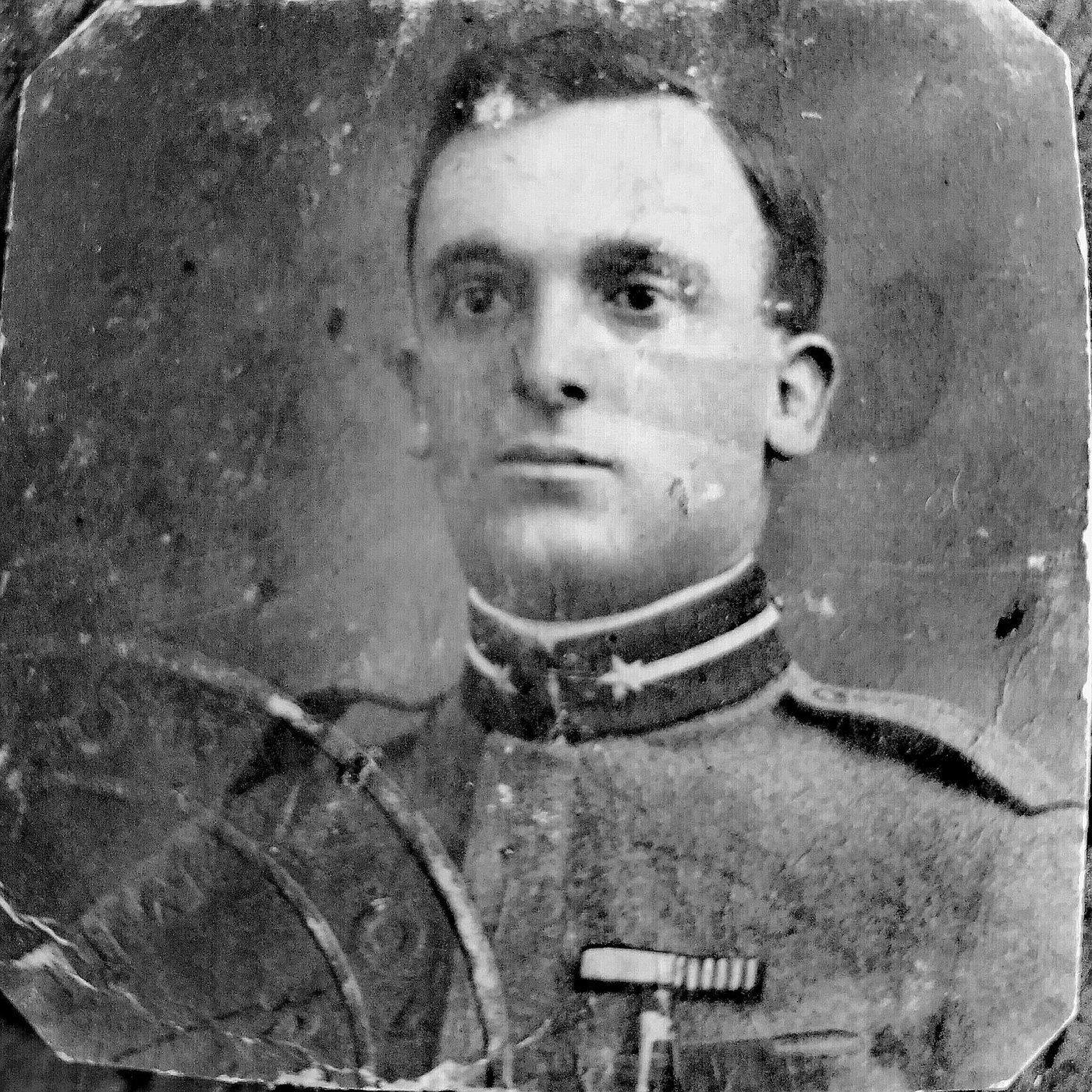
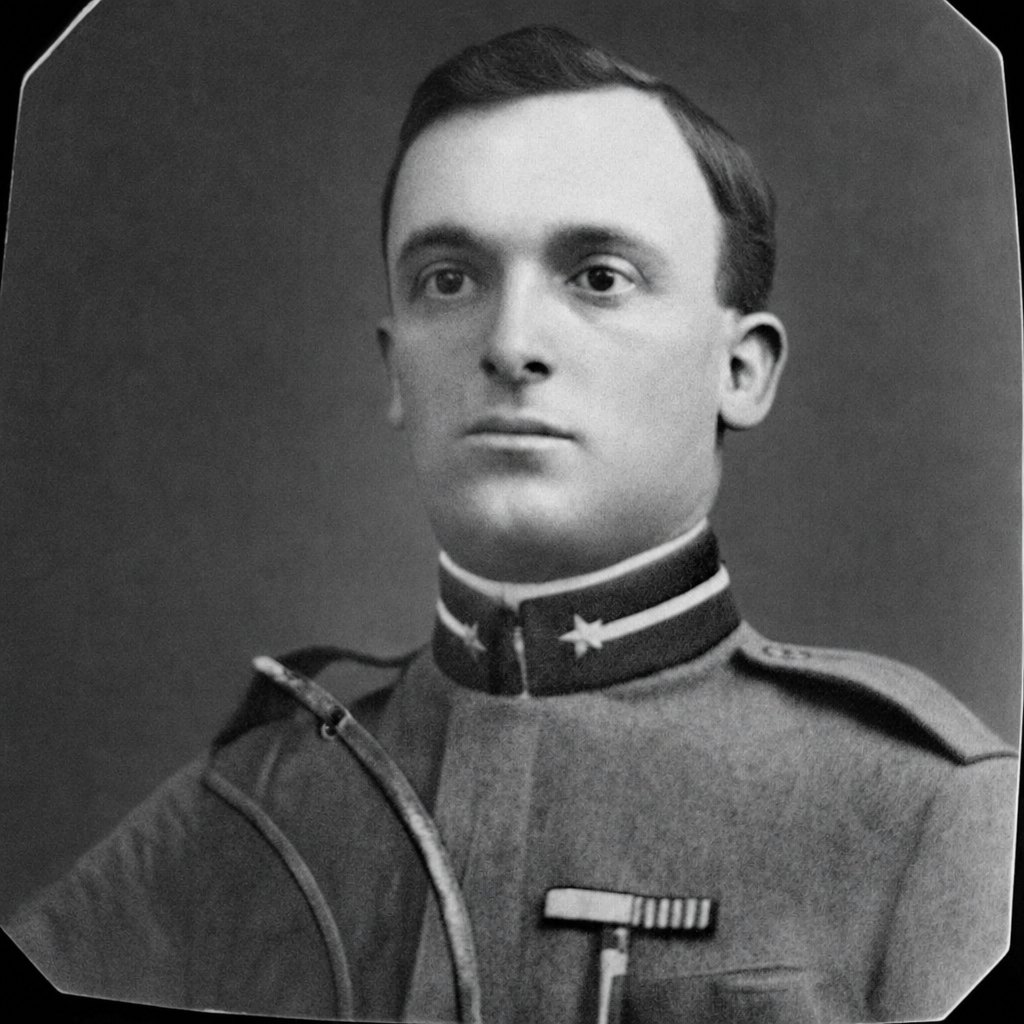
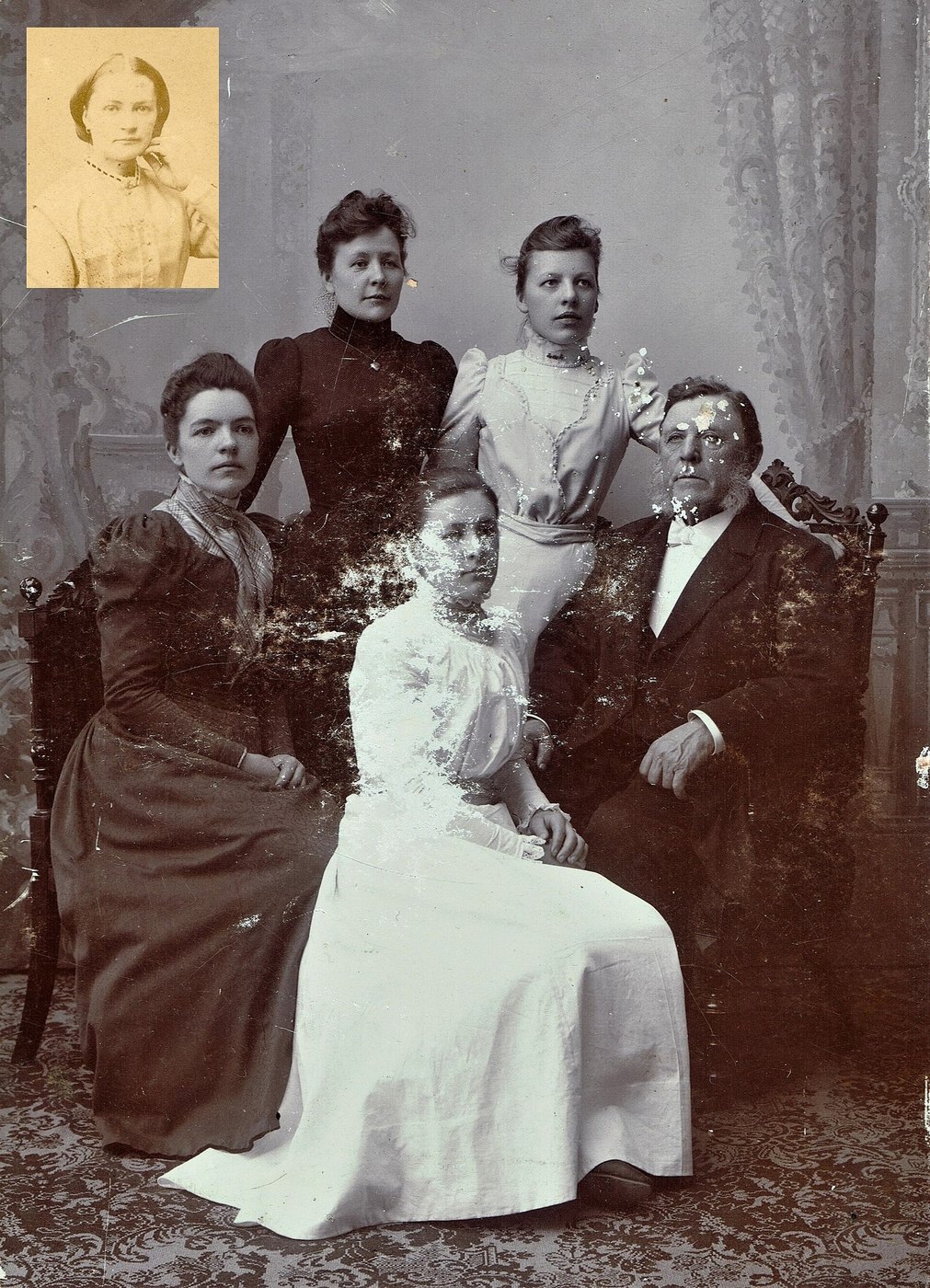
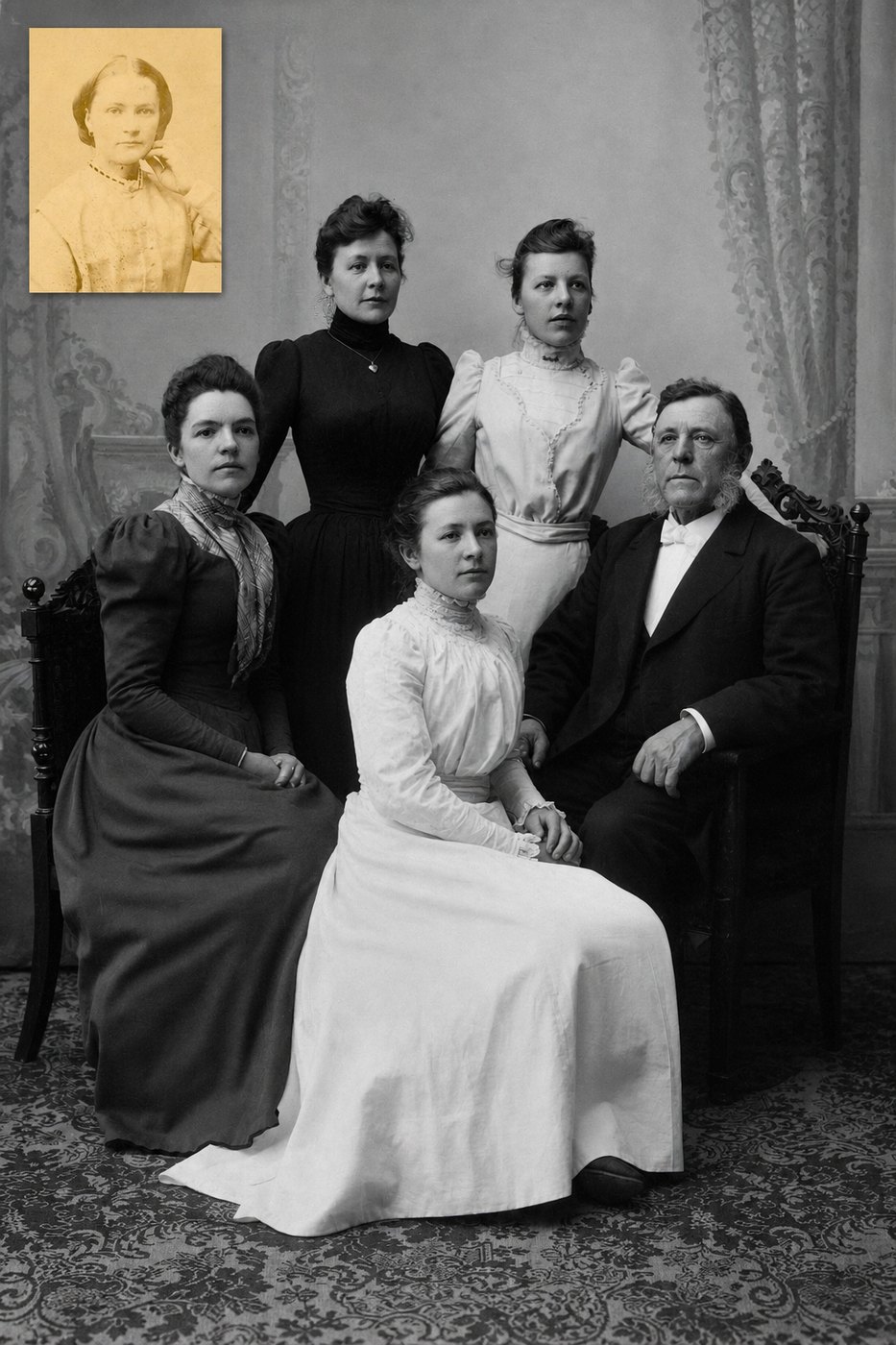
Getting a scan worth working from
Both scratches and silvering depend on the angle of the light, so a flatbed is kinder here than a phone, and 600 dpi is plenty. Keep the glass clean, since dust on the platen and dust on the print look identical to us. The guide below settles the whole scanning question.
Questions about this sort of damage
- What is the shiny blue sheen on my old prints?
- Silver mirroring. The silver that forms the photograph is working its way to the surface, usually in the darkest areas, and usually because the print was kept somewhere humid or in the wrong sort of sleeve. It will not wipe off.
- Can I clean the surface first?
- A blower for loose dust, and nothing else. Cloths and solvents take emulsion with them, and a scratched photograph becomes a scuffed one.
- Will it come back looking soft?
- It should not. Softening is the cheap way of hiding surface damage and it is the failure we mind about most, so look at the result at full size — that is the only size that tells you anything.
Try it on yours
One photograph, mended, free, with no card. Send this exact sort of damage and see the result before spending anything.
Mend one photograph, freeIf it doesn't look like the person you remember, you don't pay.