Repair a moldy photograph
Mold on a photograph shows up as a fine speckle, a fibrous bloom across the surface, or the small rust-colored spots called foxing. All three come from the same cause: the print spent time somewhere damp and still.
It is also the damage most likely to be spreading. A moldy photograph in a box of dry ones is a problem for the whole box, which is worth knowing before you put the lid back on.
The cleaning has to leave the grain. A repair that removes the spots by softening the surface has traded a speckled photograph for a plastic one, and it will be obvious at full size.
What fills a gap in a damaged photograph is our best guess, not what was there.
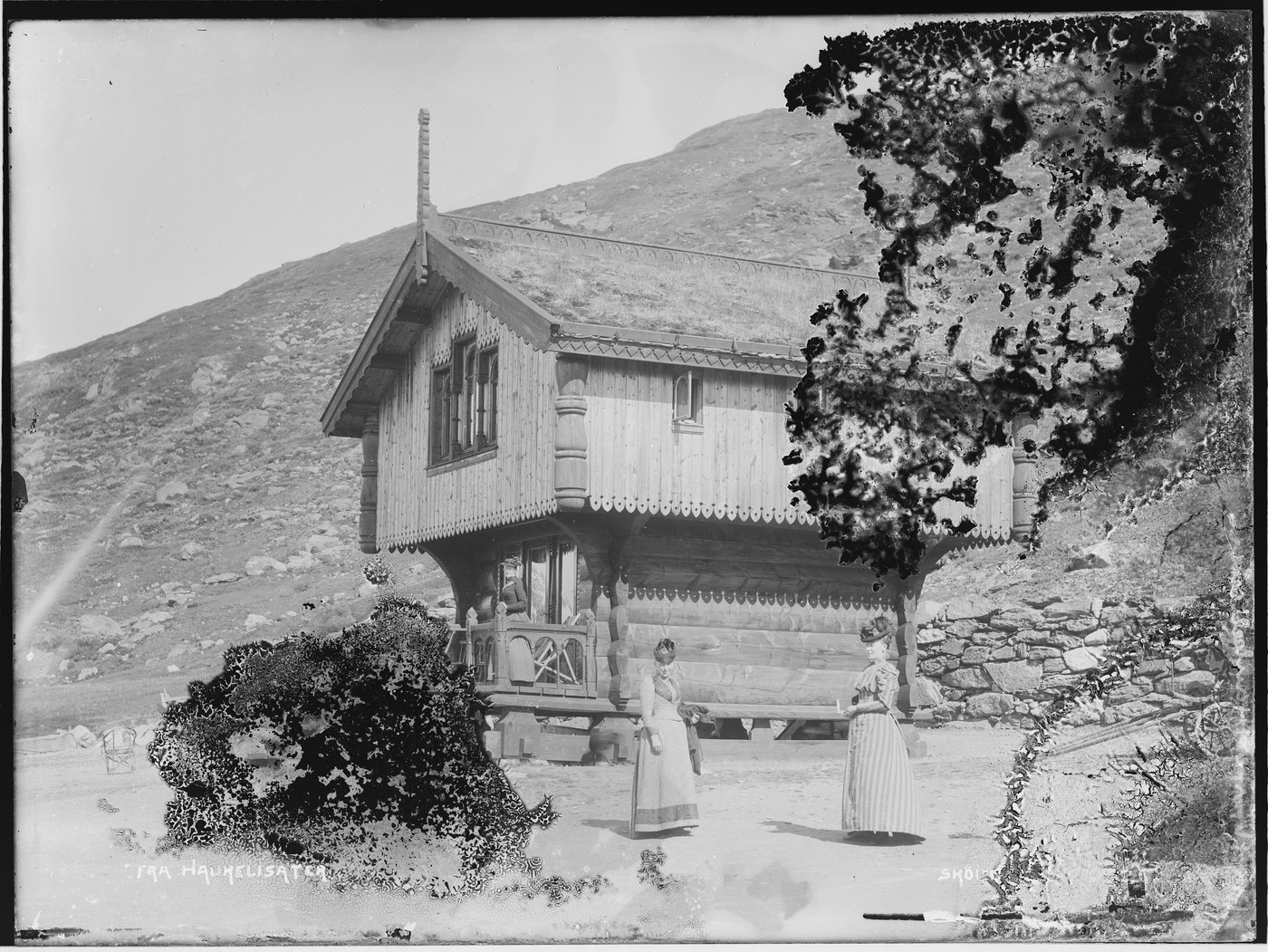
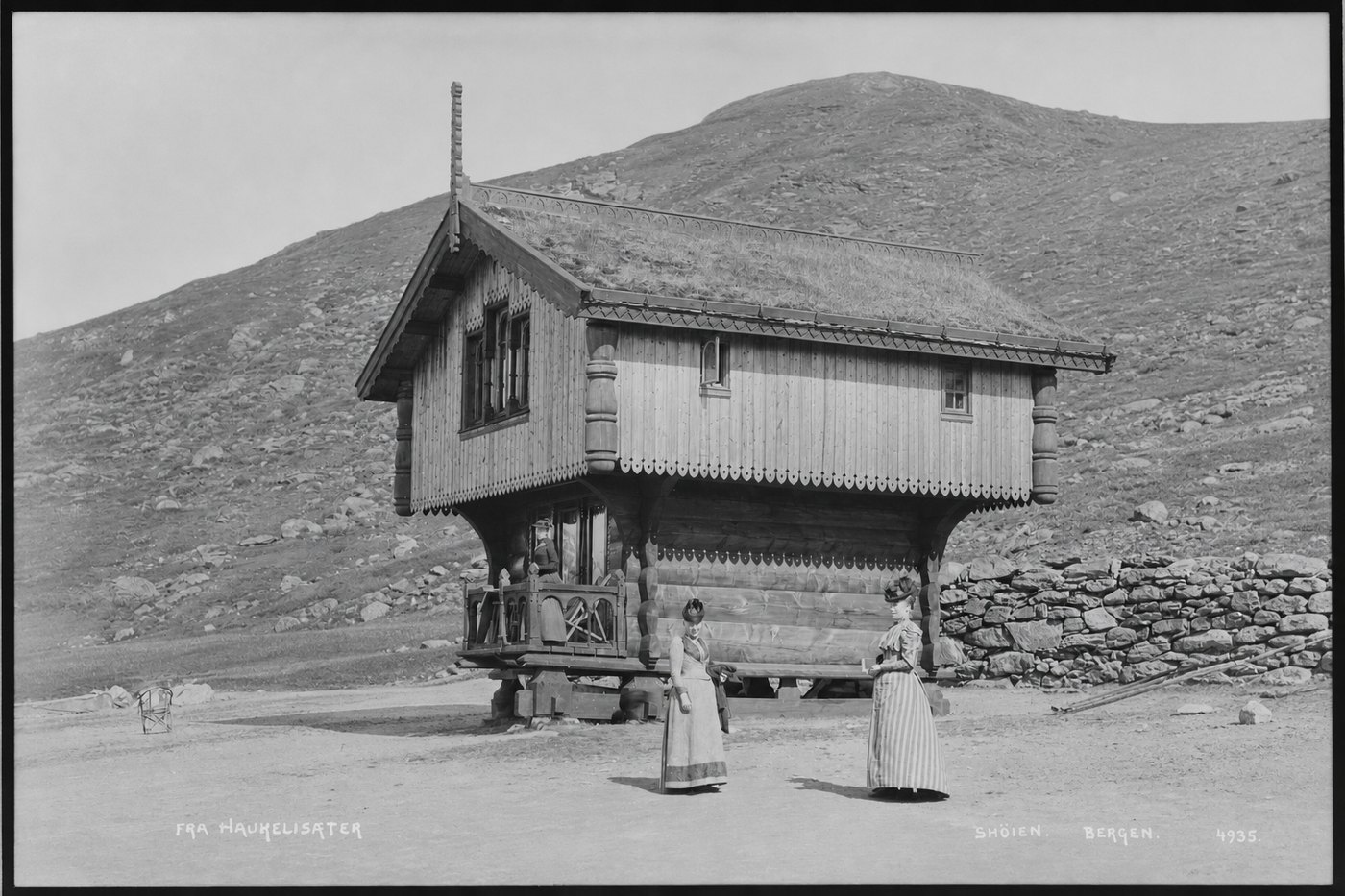
What comes back
- Speckling and bloom across skin, sky and plain background, including the small faint spots that read as dirt on a screen.
- Rust-colored foxing, and the halo of discolored paper around each spot.
- The even tone underneath, carried through where the spots were rather than smoothed over.
- The grayish veil a mold bloom leaves across a whole print.
What does not come back
- Emulsion the mold has eaten through. The loss is real and the repair fills it anyway: where a pit sat over a face, what arrives is a face, and it is not the one that was eaten.
- Stopping it spreading in the drawer. The repair is of the scan; the print needs different treatment, and the guide below says what.
- Blurring our way out of it. If the spots cannot come off without taking the grain with them, we would rather leave a trace than hand back a smooth photograph.
What fills a gap in a damaged photograph is our best guess, not what was there.
Three of these, repaired
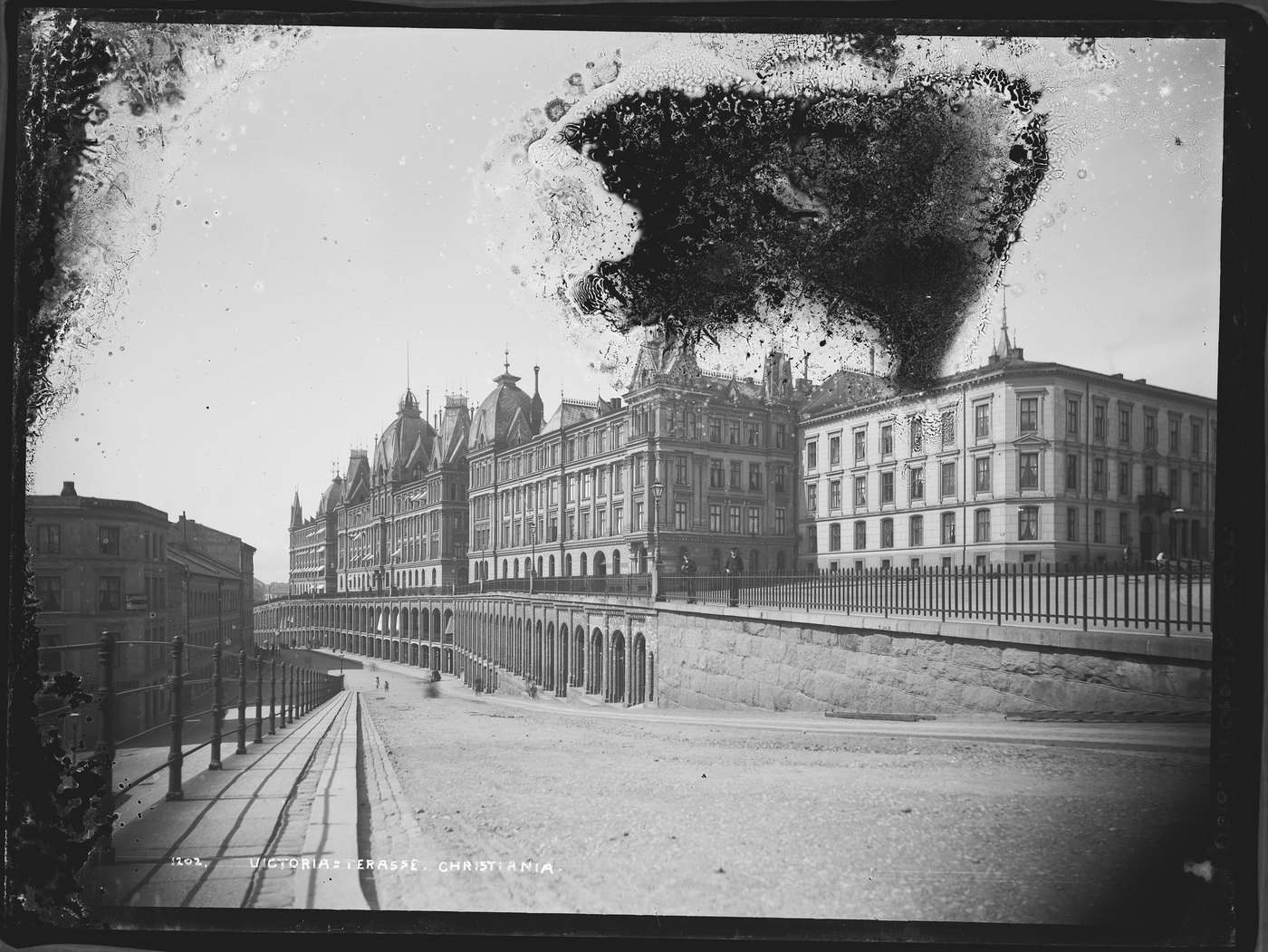
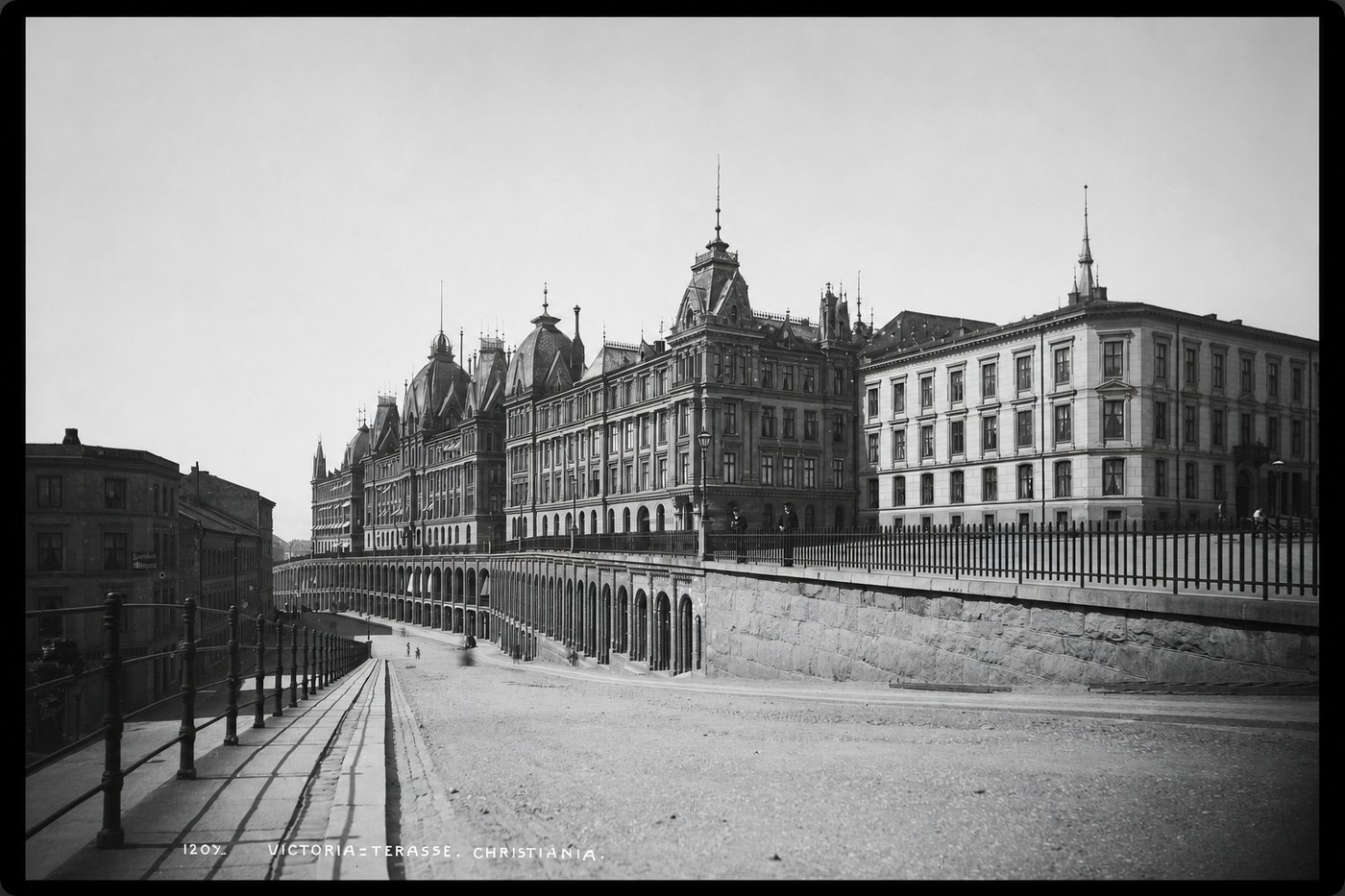
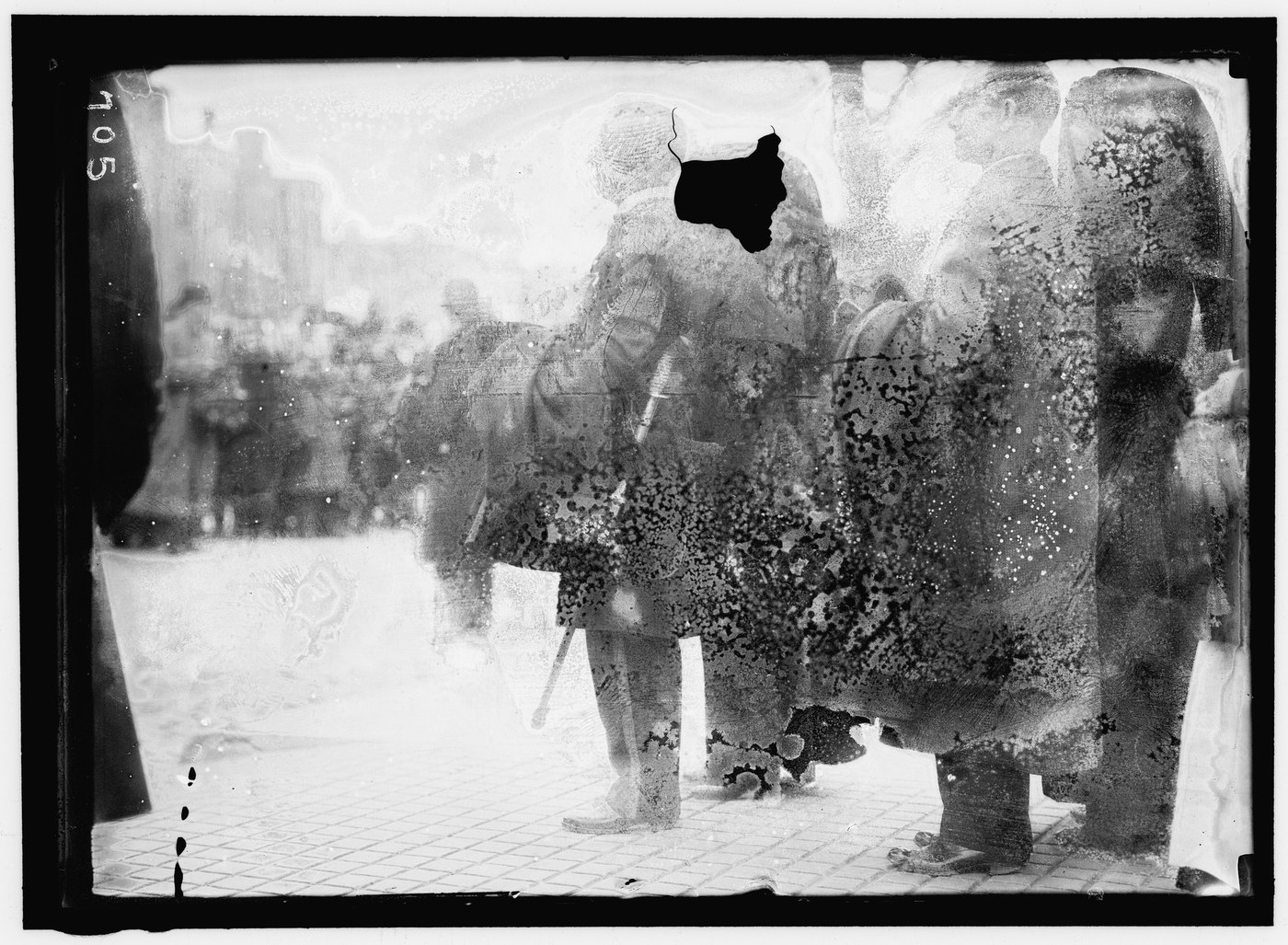

Do not wipe it
Wiping a moldy print grinds the spores into the emulsion and takes the surface with them. Get the photograph dry and cool, keep it away from the others until it is, and handle it by the edges. Scanning a moldy print puts spores on the platen, so wipe the glass afterwards. The guide below covers the physical handling.
Questions about this kind of damage
- Is foxing the same as mold?
- Not exactly, and it does not matter for the repair. Foxing is the rust-colored spotting associated with damp paper and its metal impurities; mold is the living growth. They come off the scan the same way.
- Can I clean it before scanning?
- A soft brush at the edges, and nothing more. Anything wet, anything abrasive, and any household cleaner will cost you surface you cannot get back. Send it as it is.
- Should I throw the moldy ones away?
- No. Scan them, keep the scan, and then decide about the print with a clear head. The photograph and the piece of paper it is on are two different things once the scan exists.
Try it on yours
One photograph, repaired, free, with no card. Send this exact kind of damage and see what comes back before you spend anything.
Repair one photograph, freeIf it doesn't look like the person you remember, you don't pay.