Repair a water-damaged photograph
Water leaves three marks and they need different work. There is the tide line where the wet edge dried, the bloom in the middle where the dyes moved, and the brown or violet stain that arrives months later as the paper itself goes off.
There is also cockling — the ripple a soaked print dries into. A scan of a cockled photograph carries the shadows of those ripples, and those shadows are damage, not shape.
This is the commonest thing in a flooded basement box, and it is also the one that responds best.
What fills a gap in a damaged photograph is our best guess, not what was there.
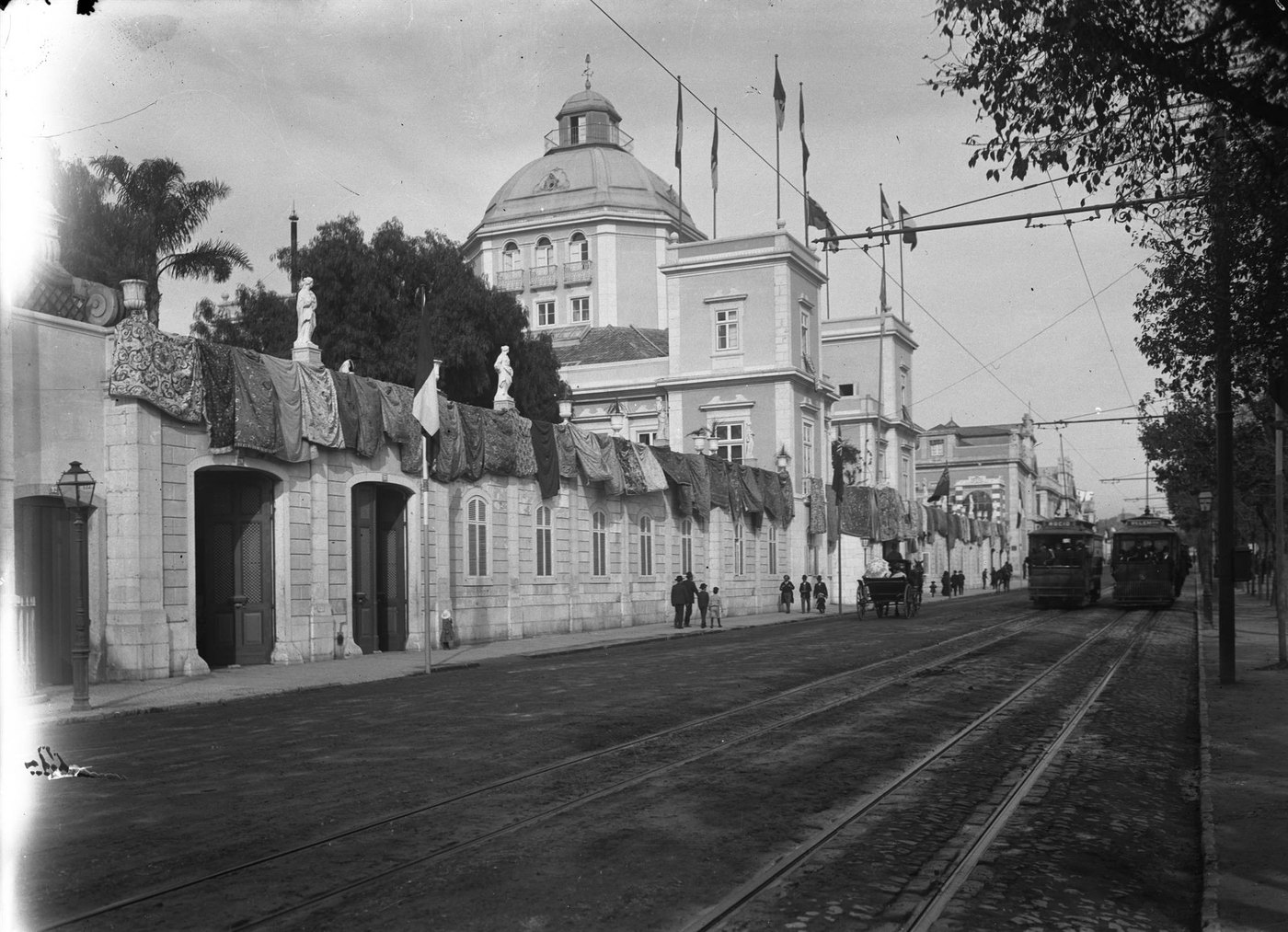
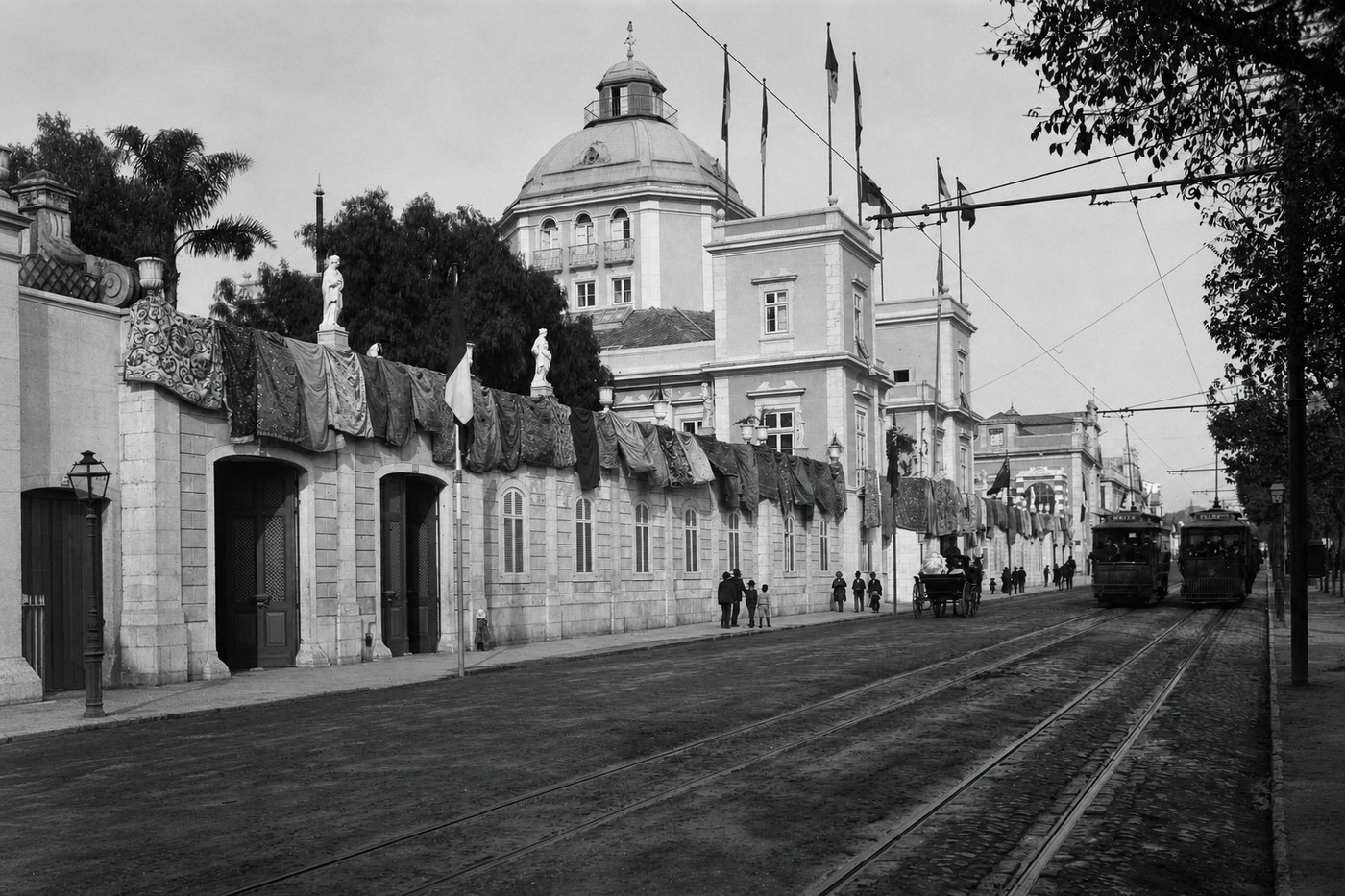
What comes back
- Tide lines, including the faint outer halo where a stain fades into clean paper, which is the part that usually survives a free tool.
- Blooms and rings in the middle of a print, and the uneven density they leave behind.
- The brown and violet staining of paper that stayed damp, and the flat gray of a print that dried slowly.
- The shadows cast by cockling, so a rippled print reads flat again.
What does not come back
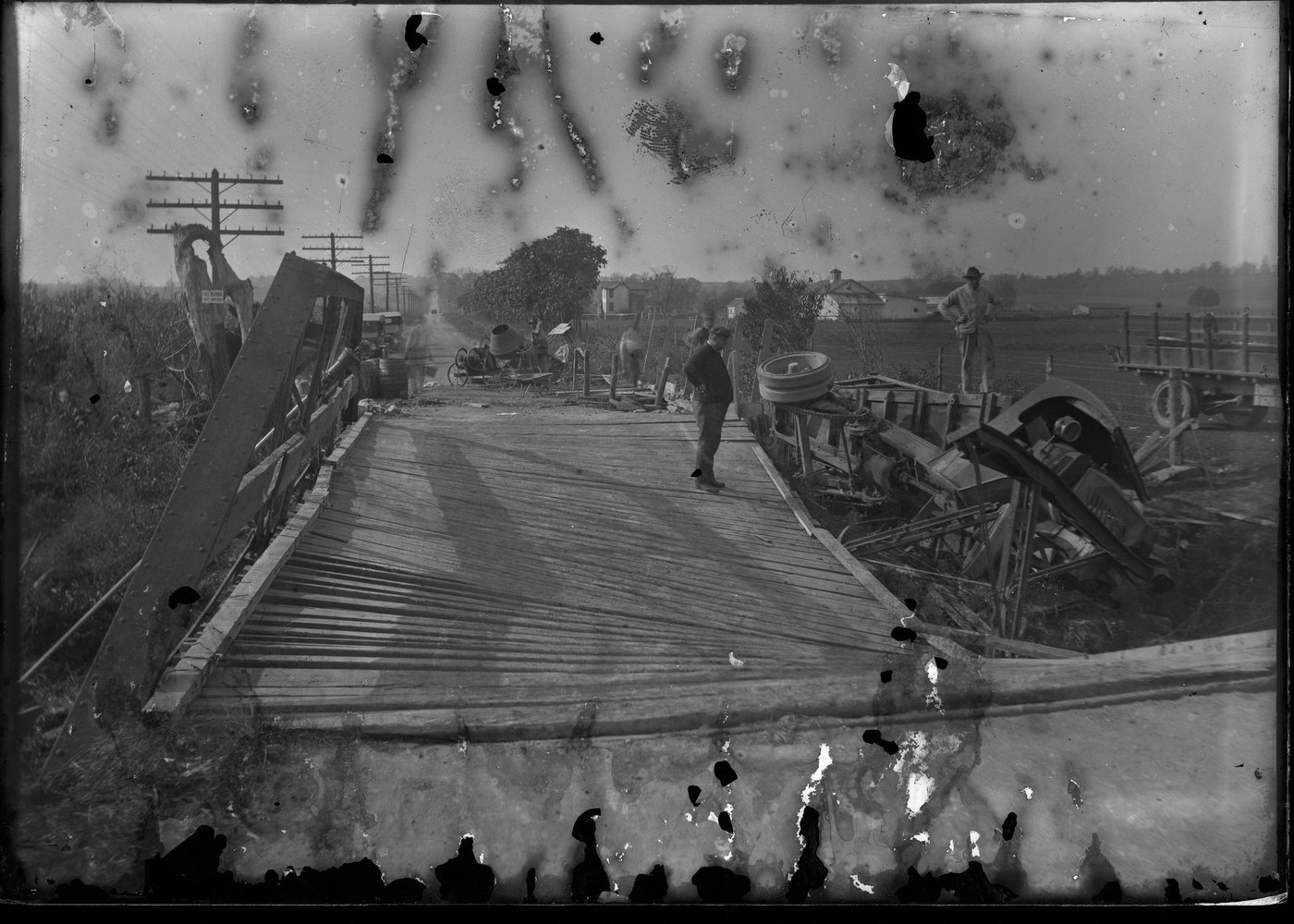
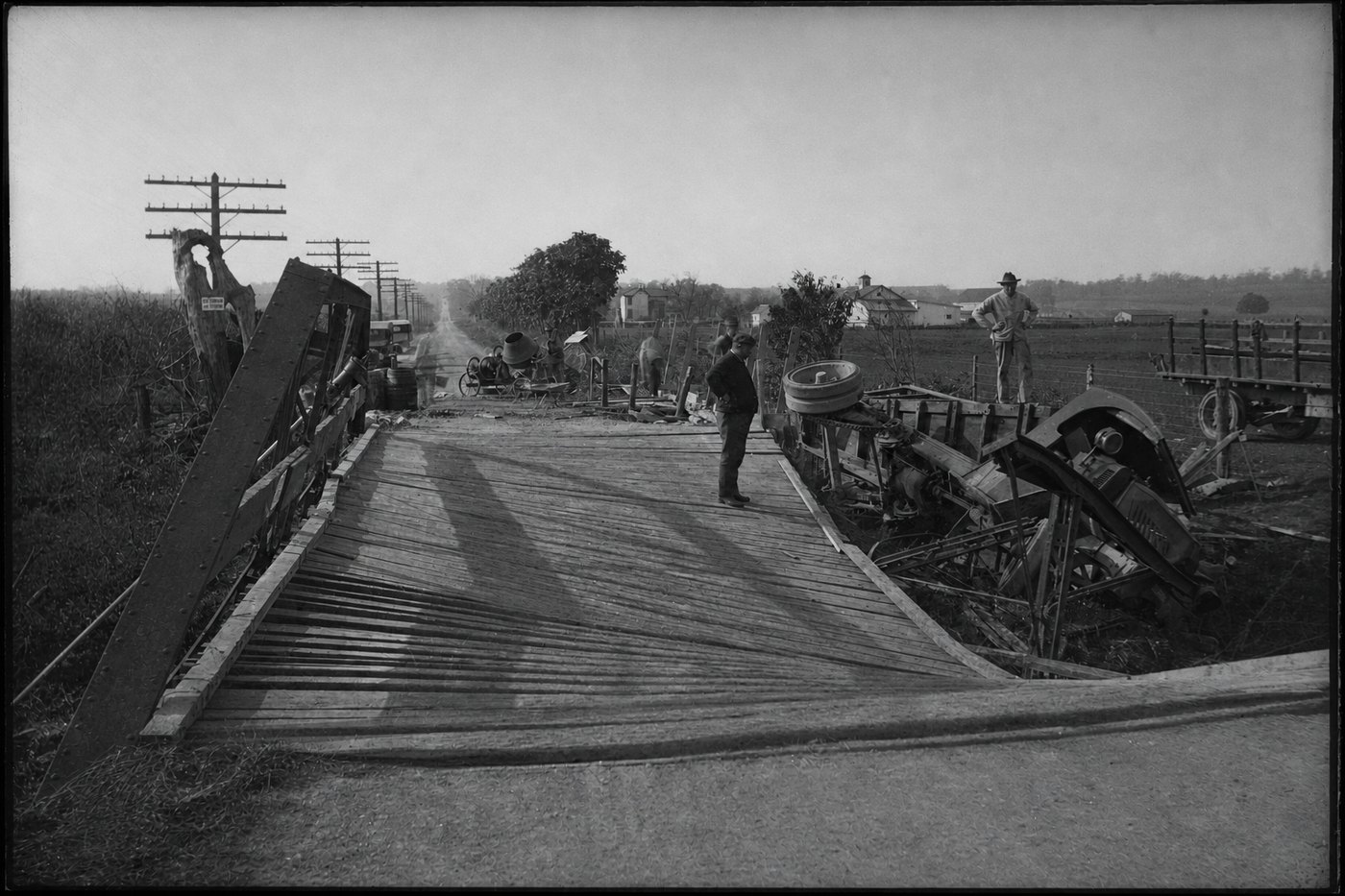
- Emulsion that washed away. Where the picture layer is gone down to the paper base there is nothing underneath, and the repair fills the area from what borders it — dependable over water, sky and snow, and a guess over anything else.
- Two prints that dried face to face and tore each other apart when separated. What is now on the back of the other print is not recovered; its shape is filled in.
- Mold that arrived after the water. That is a different repair, and it has its own page.
What fills a gap in a damaged photograph is our best guess, not what was there.
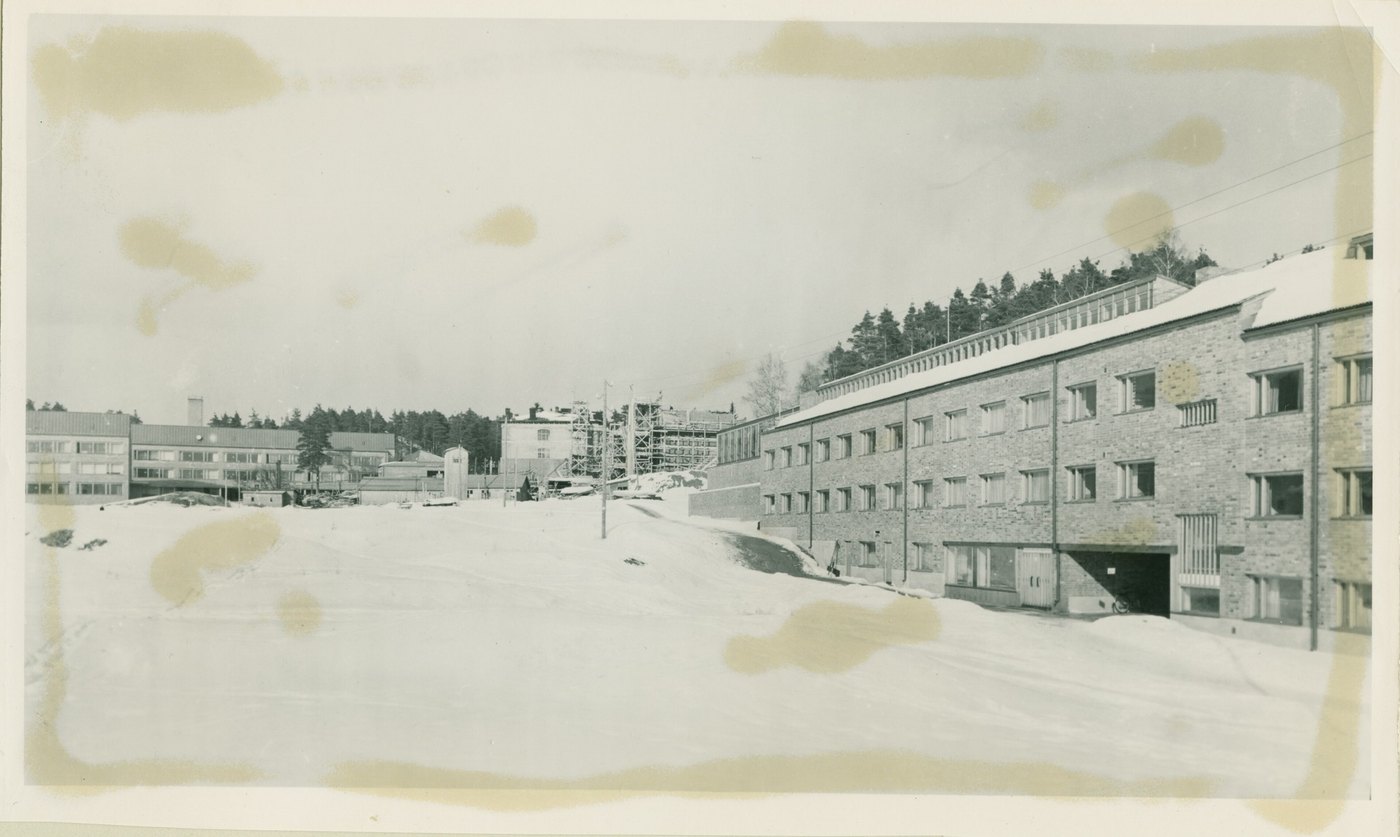
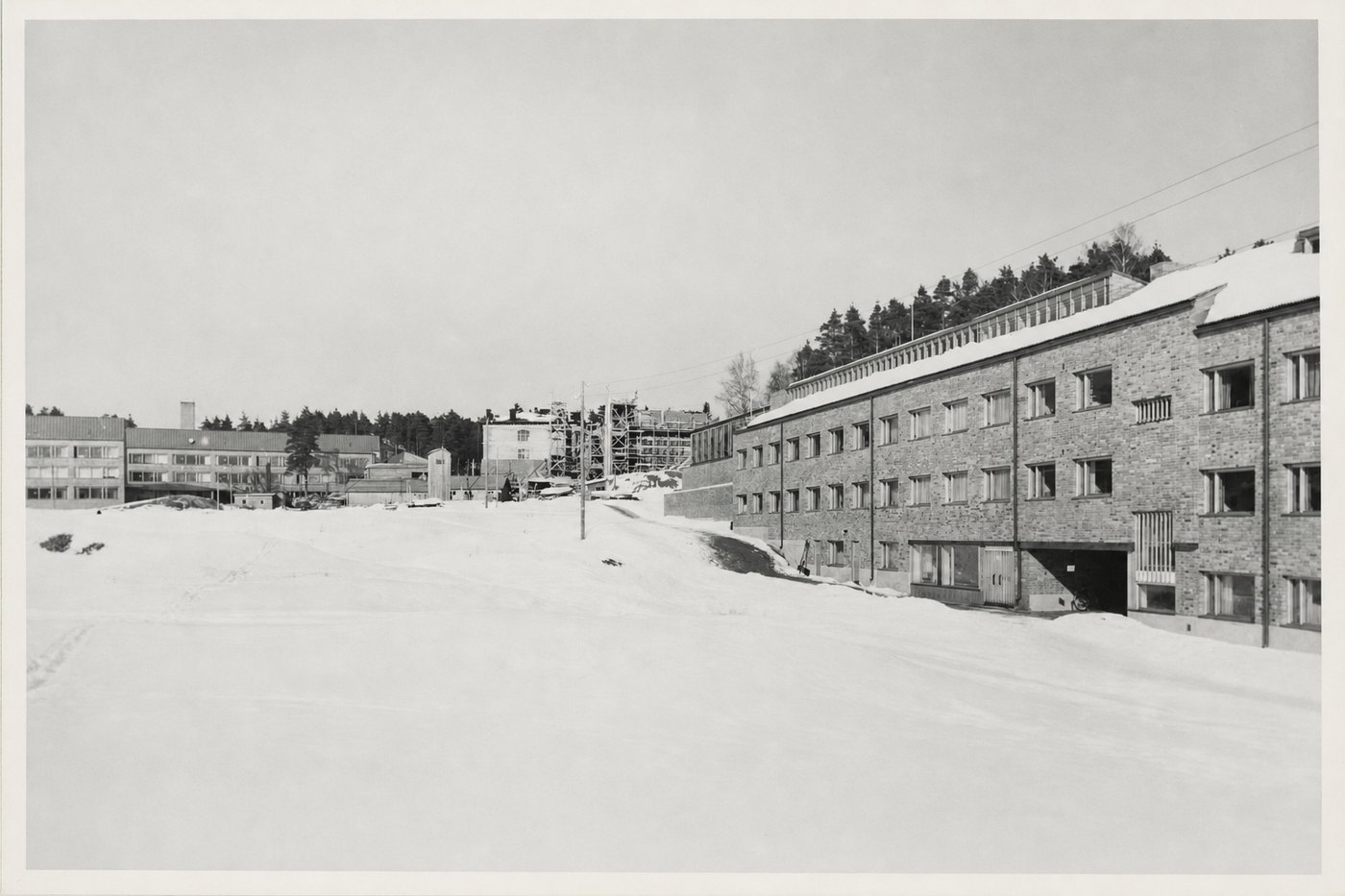
Three of these, repaired
If it is still wet
Do not stack wet prints and do not put them in a warm place to dry quickly. Lay them face up on a dry towel, singly, at room temperature, and keep them out of direct sun. Prints stuck together go in cool water rather than being pulled apart dry. Then scan, and the guide below covers the rest.
Questions about this kind of damage
- My photographs dried stuck together. Can they be saved?
- Sometimes, and it is worth trying before you scan. Soaking the block in cool water often lets prints separate on their own. Whatever comes off intact, we can work on.
- The colors have gone pink. Is that the water?
- Partly. Damp accelerates the dye fade that color prints have anyway, so a soaked print is usually both stained and shifted. Both are repaired in one pass — you do not need to send it twice.
- The print is rippled and will not lie flat.
- Scan it as it is, with the lid resting rather than pressing. The ripple shadows come out in the repair, and forcing a cockled print flat is how it cracks.
Try it on yours
One photograph, repaired, free, with no card. Send this exact kind of damage and see what comes back before you spend anything.
Repair one photograph, freeIf it doesn't look like the person you remember, you don't pay.